Your hero on the desktop
Clicking, dragging, the menu screens, the tray icon and every setting.
Clicks
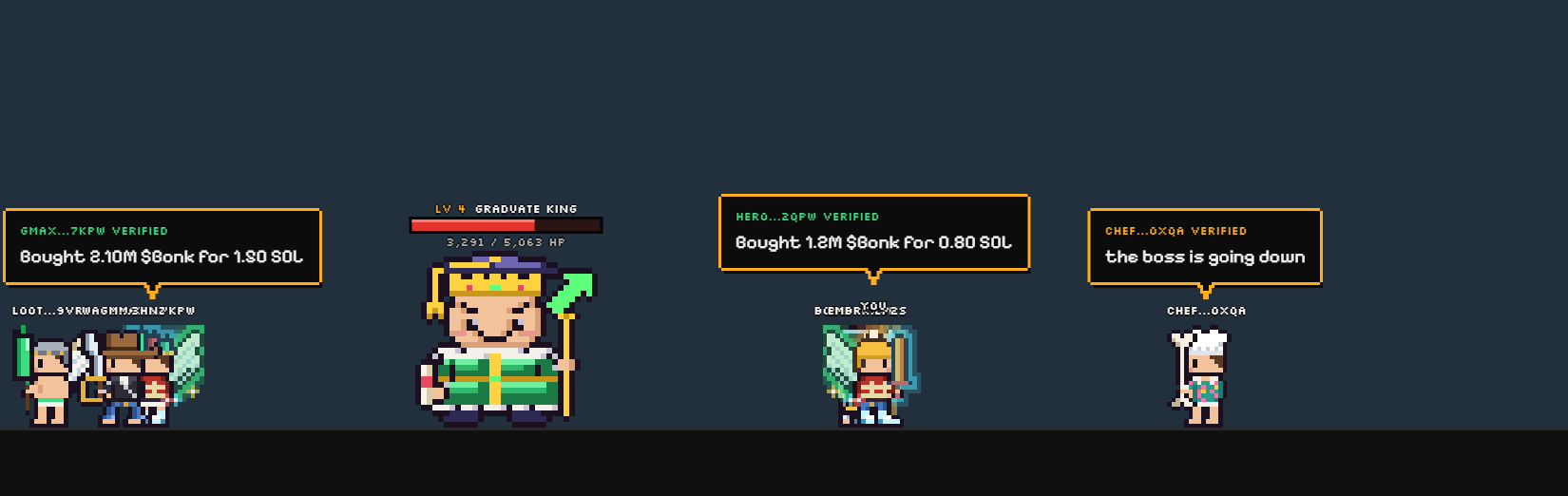
- Your hero: click it for two quick buttons: your hero menu and the worlds.
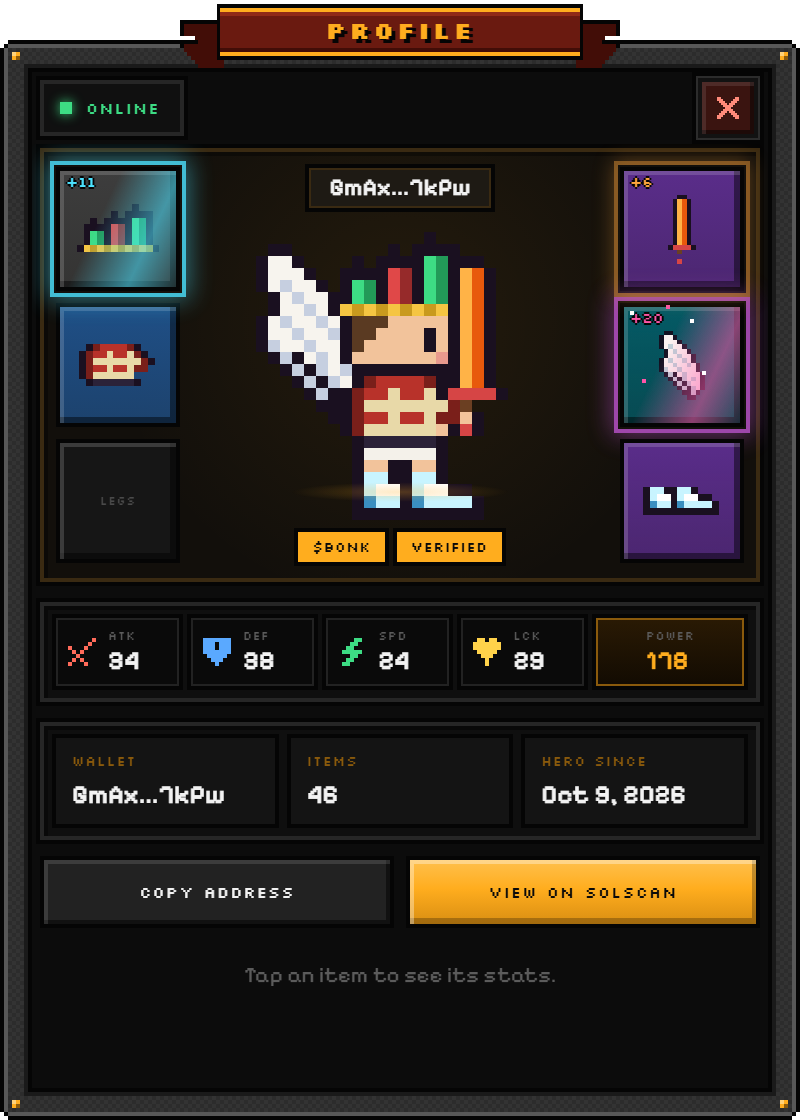
- Other heroes: click one to see its profile and gear.
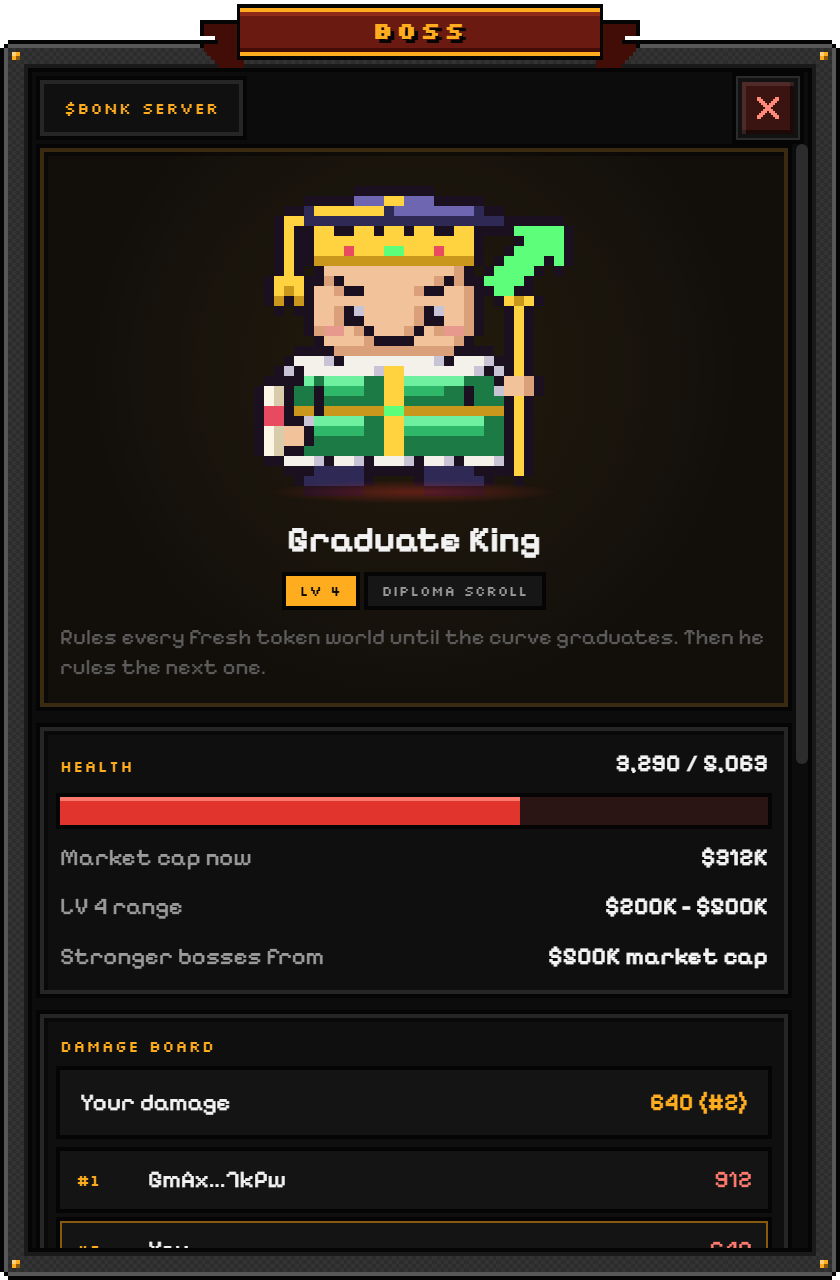
- The boss: click it to open the boss window with its health, the top fighters and your damage.
- Drag any hero and drop it somewhere else on the taskbar. Clicks anywhere else go to your other windows as usual.
The menu
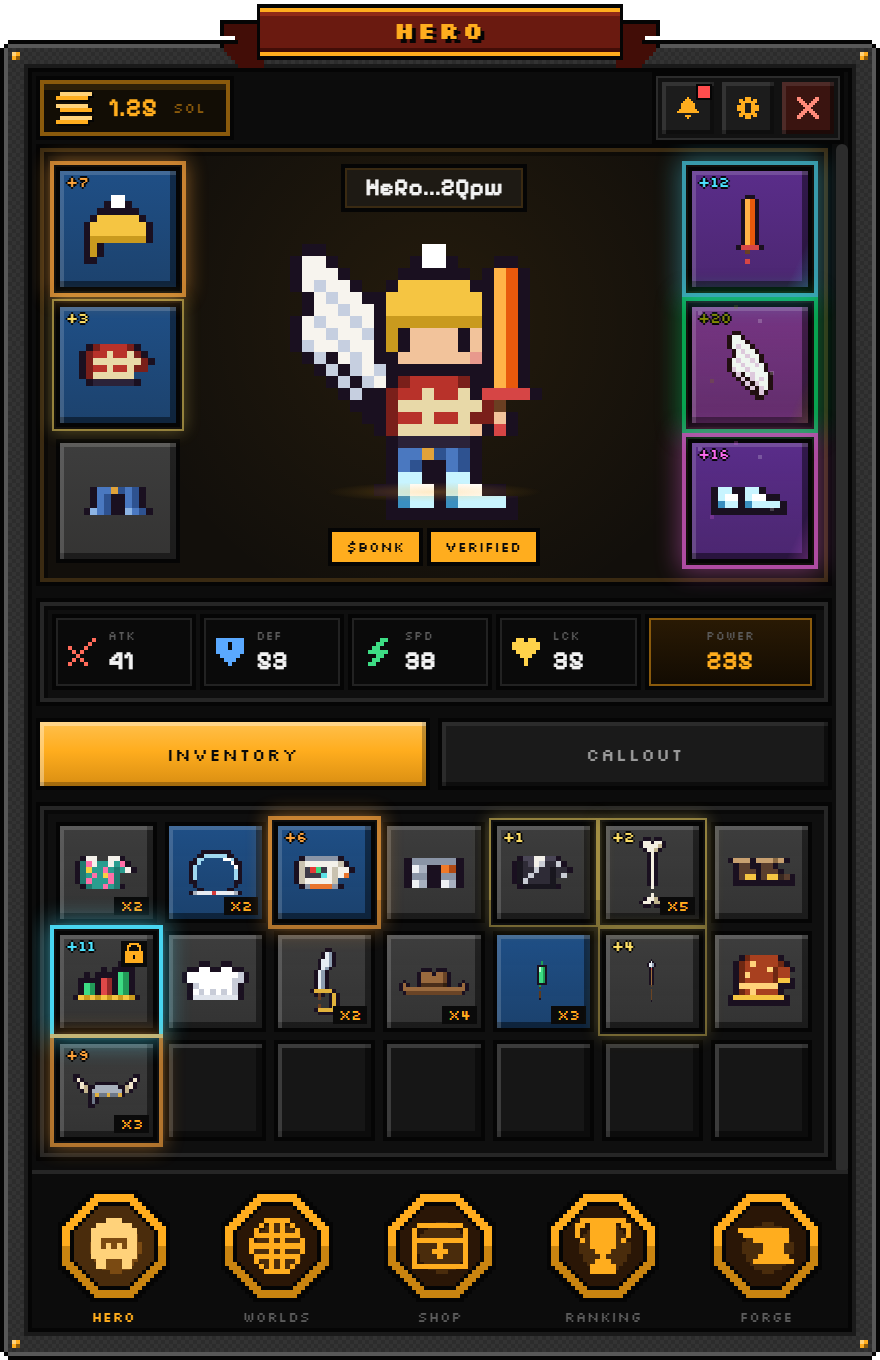
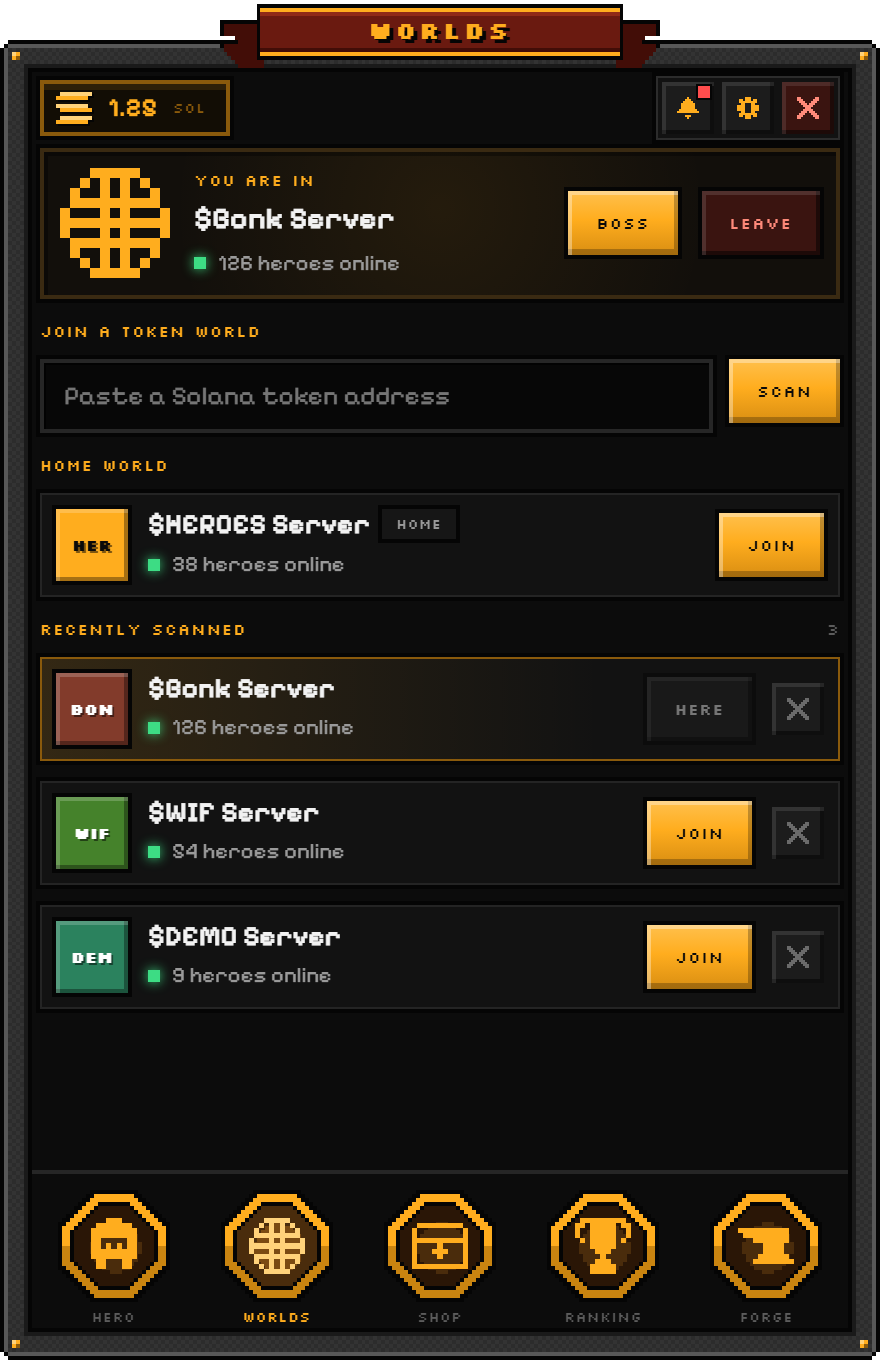
Open it from your hero or from the tray icon next to the clock. It has five screens:
| Screen | What it is for |
|---|---|
| Hero | Your outfit and inventory: equip items, see their stats and lock favorites. |
| Worlds | Join a token world by pasting its address, or pick a busy or recent one. |
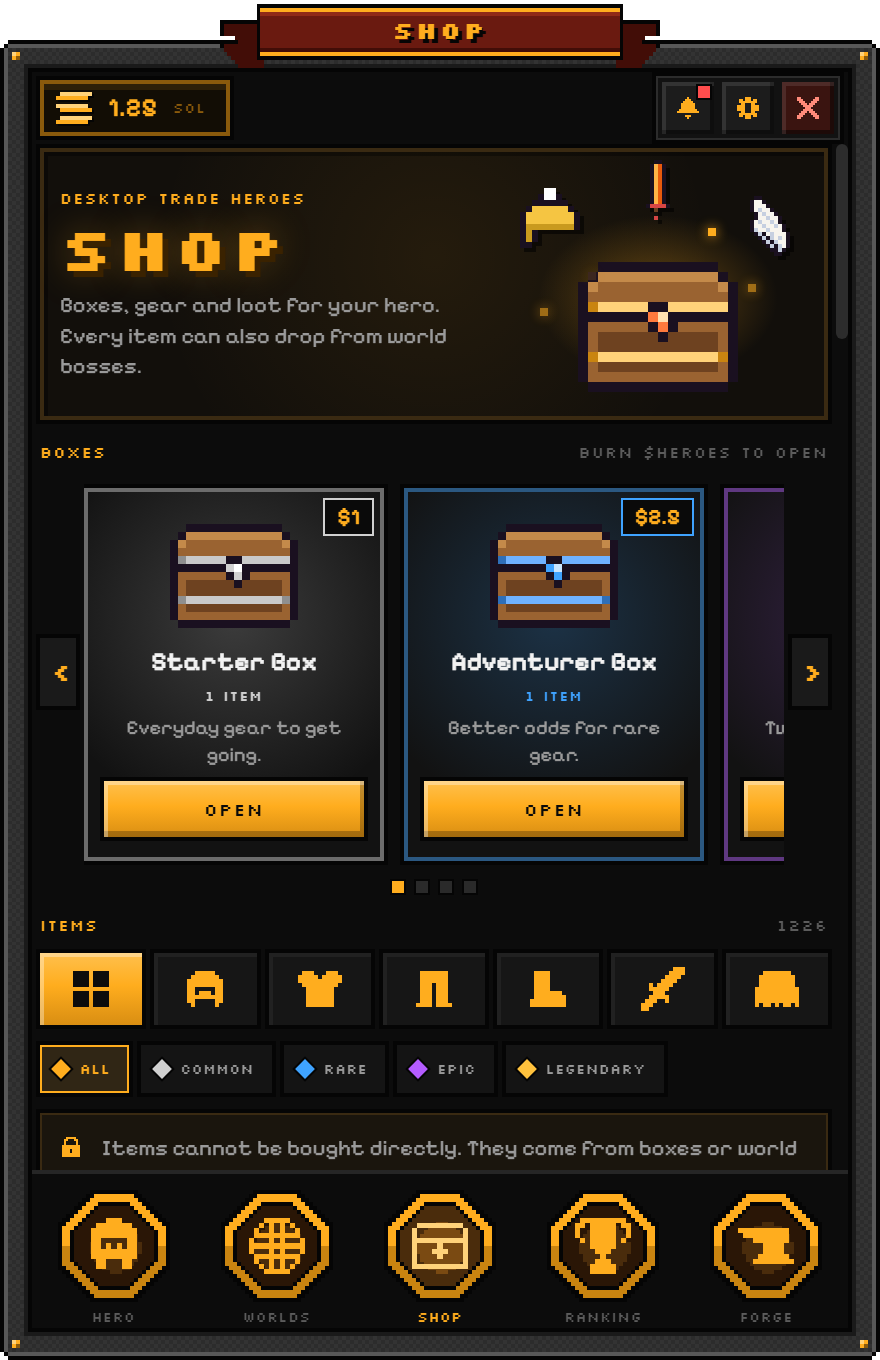
| Shop | Item boxes and the callout to every world. |
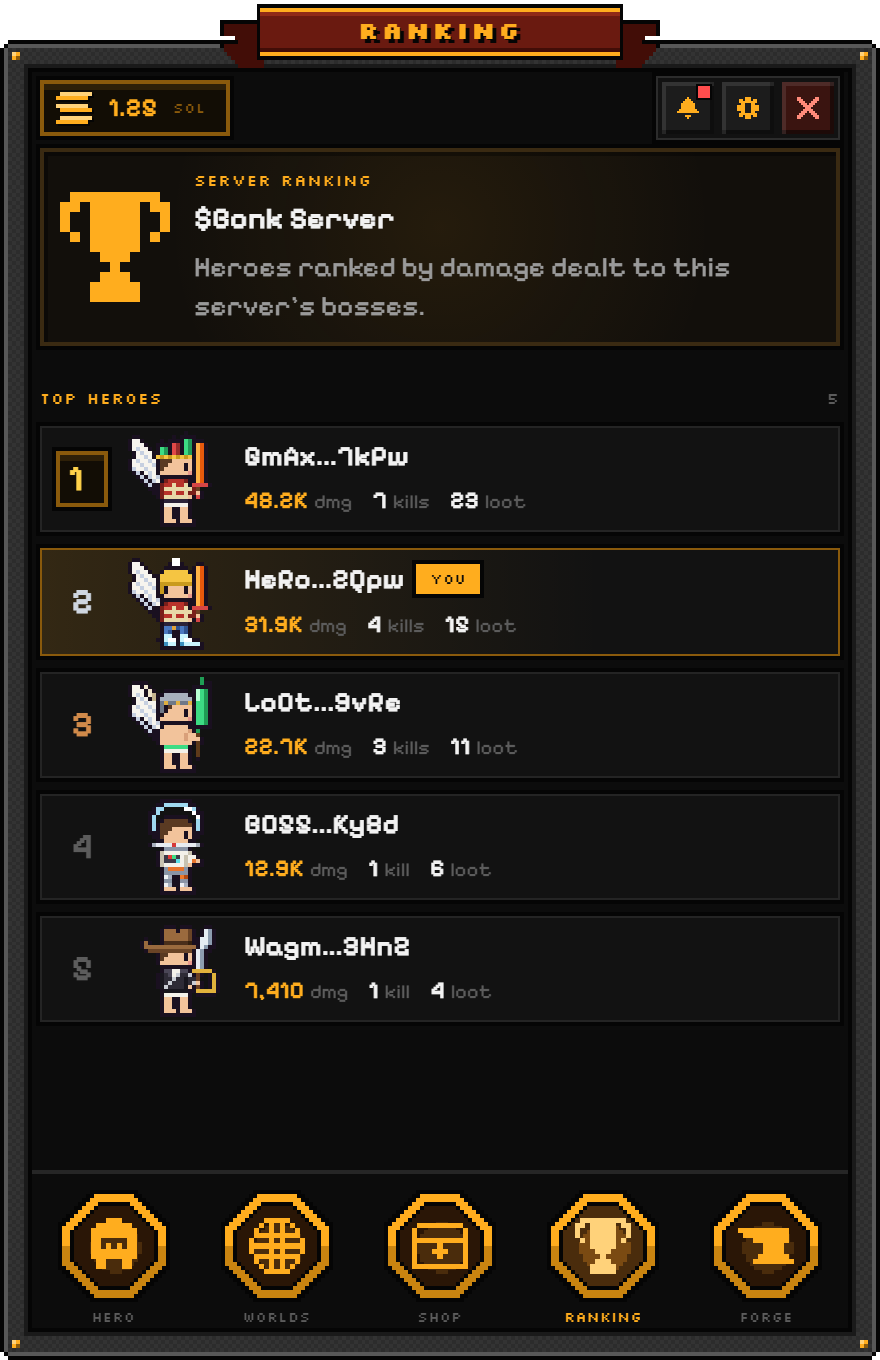
| Ranking | The heroes of your world, or the global board when you play solo. |
| Forge | Salvage spare items into elements and evolve your gear. |
Settings
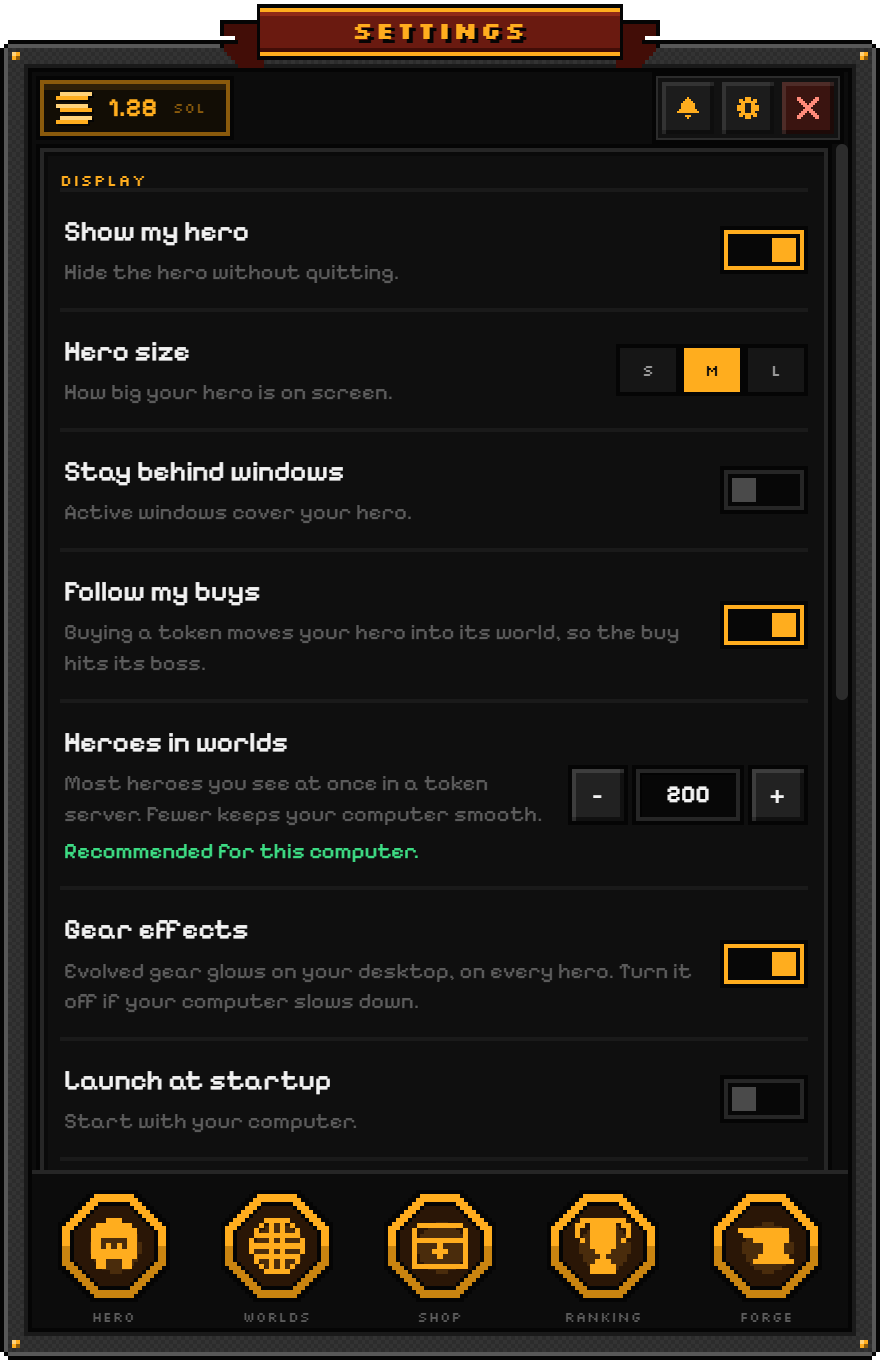
| Setting | What it does |
|---|---|
| Show my hero | Hides the hero without quitting the game. |
| Hero size | How big your hero is on screen. |
| Stay behind windows | Active windows cover your hero instead of the other way round. |
| Follow my buys | Every buy of 0.05 SOL or more in another token moves your hero into that token's server, so the buy hits its boss. Sells never move you. |
| Heroes in worlds | How many heroes you see at once, from 1 to 2,000. It starts from what your computer can handle. |
| Gear effects | Evolved gear glows on every hero. Turn it off if your computer slows down. |
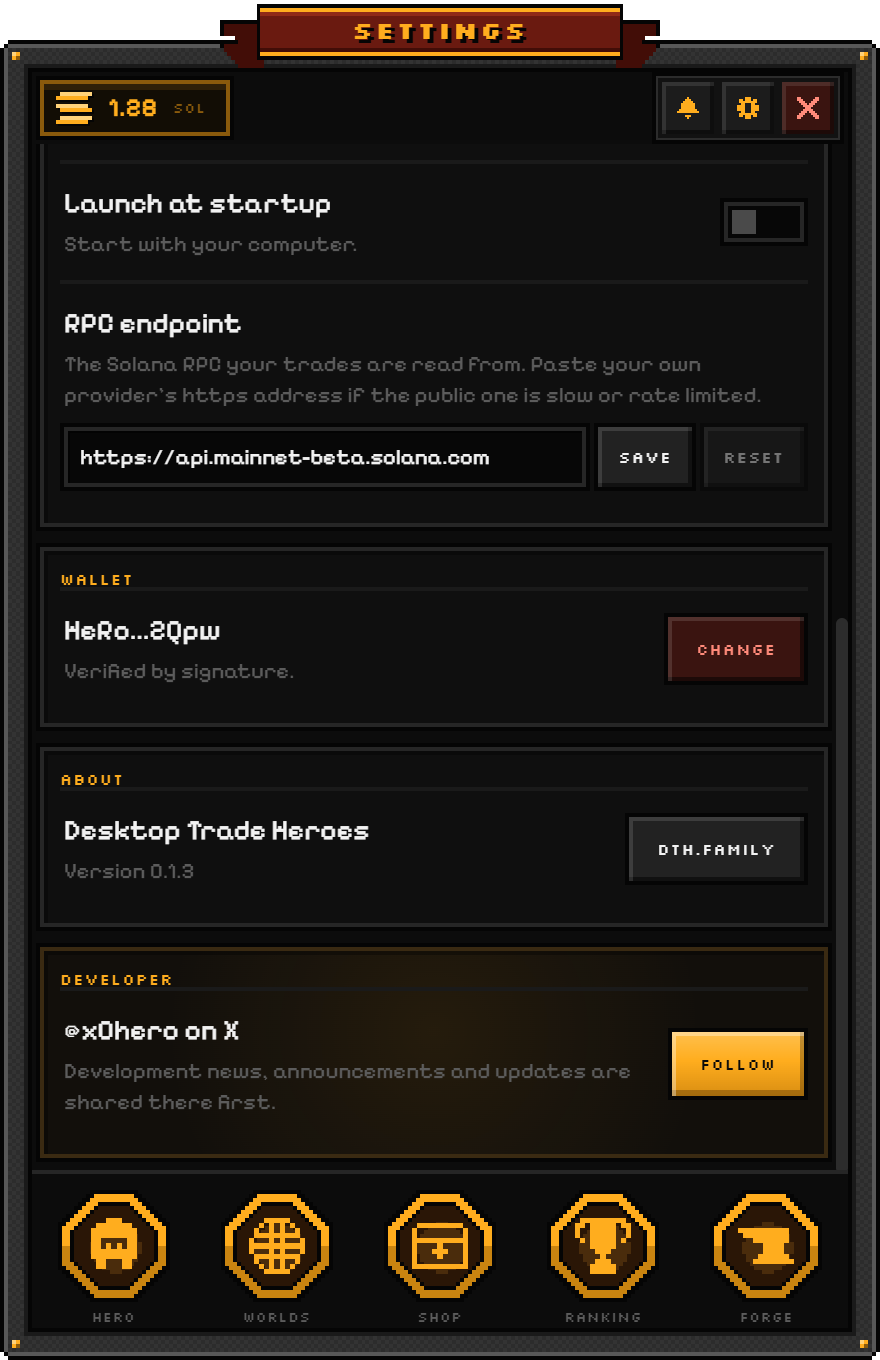
| Launch at startup | Starts the game with your computer. |
| RPC endpoint | The Solana RPC your trades are read from (solana-rpc.publicnode.com by default). Paste your own provider's https address if the public one is slow or rate limited; Reset brings the default back. |
Updates and problems
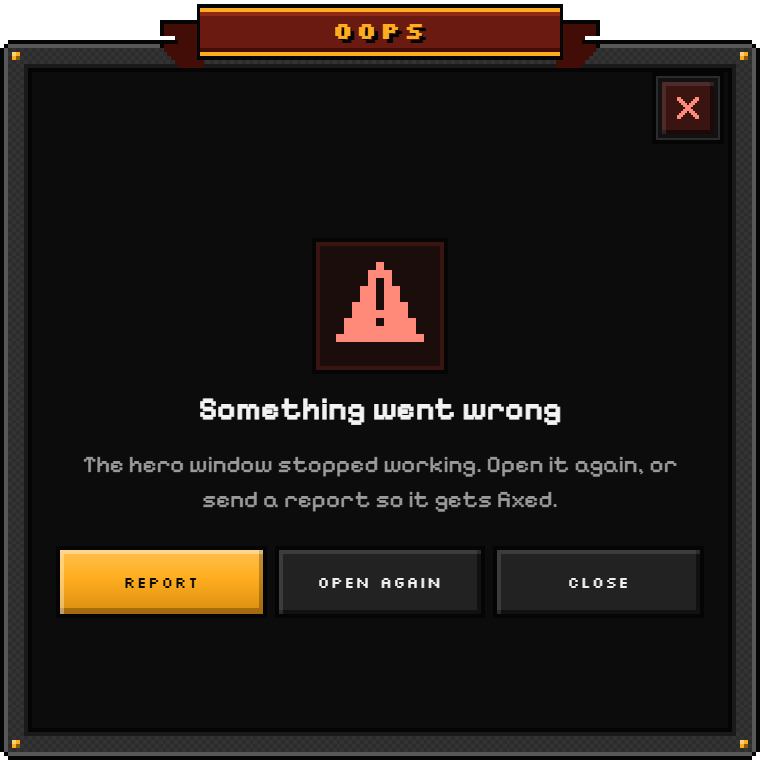
New versions download in the background. Restart from the tray icon or from Settings to use one right away. If something goes wrong, the game shows what happened with a Report button: it sends what you were doing and a few facts about your computer, never your keys.